How to post a player card
Updated 19.11.2026 · Author: VikingsBase
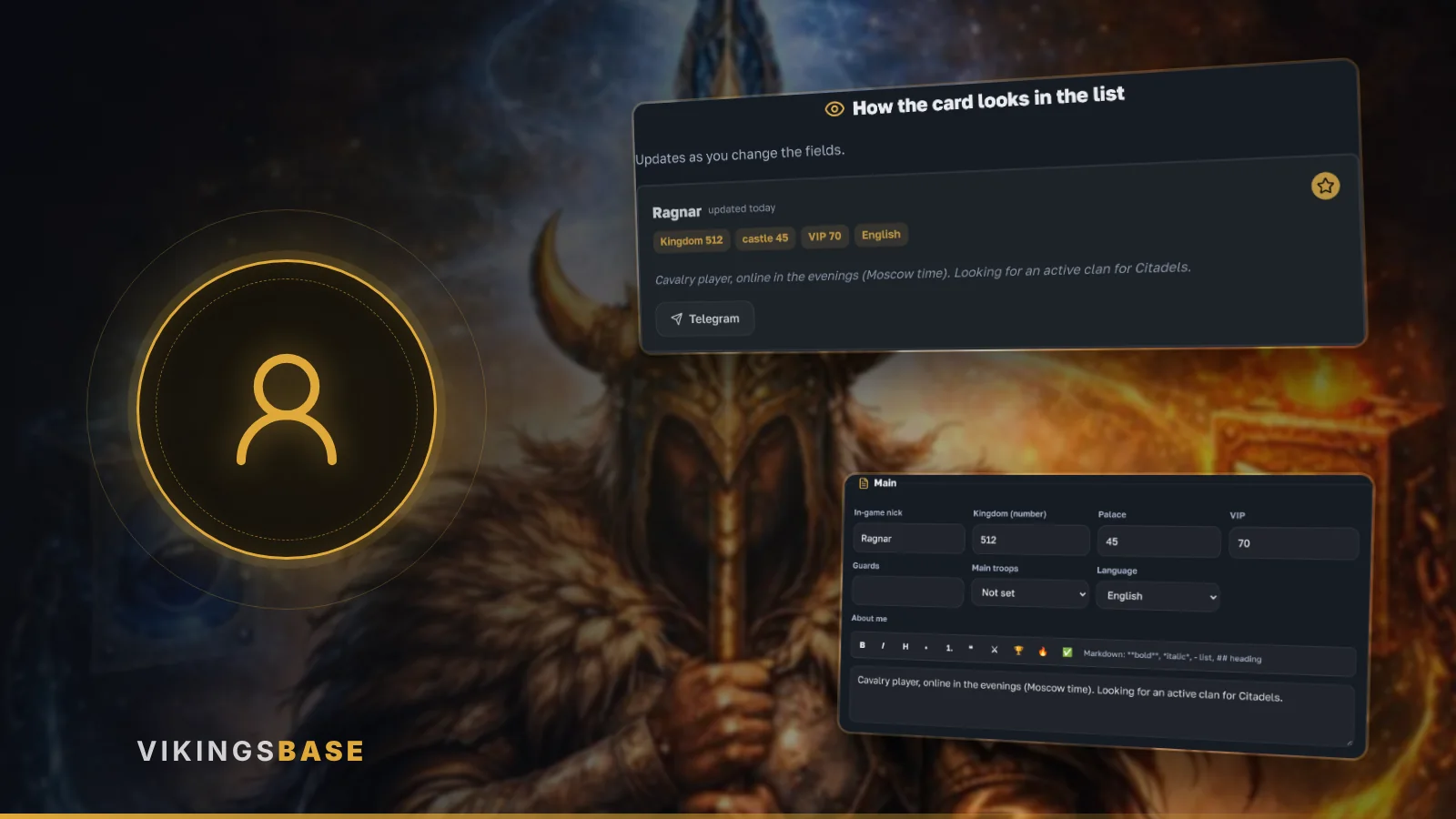
A player card helps you find a clan or teammates: it shows your nickname, kingdom, Palace, VIP, troops and how to reach you.
Where to apply
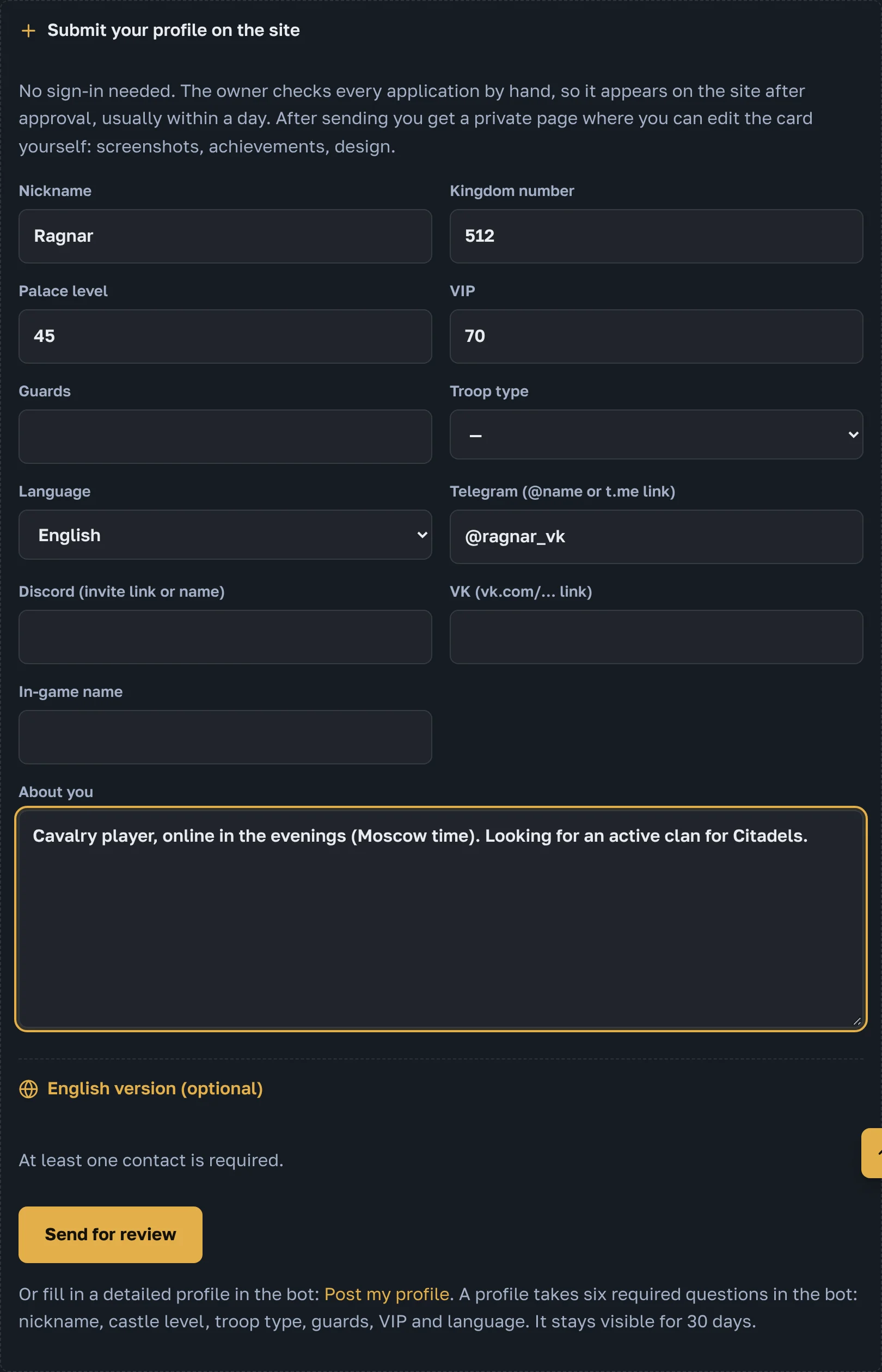
Open «Players» and press «Submit your profile on the site» at the bottom. No sign-in is needed.
What to fill in
- nickname and kingdom
- Palace level, VIP and guards
- a few words about you: troops, playing time, who you look for
- at least one way to reach you
Your dashboard
Right after sending, the dashboard of your card opens. Bookmark it: this address lets you edit the card later yourself.
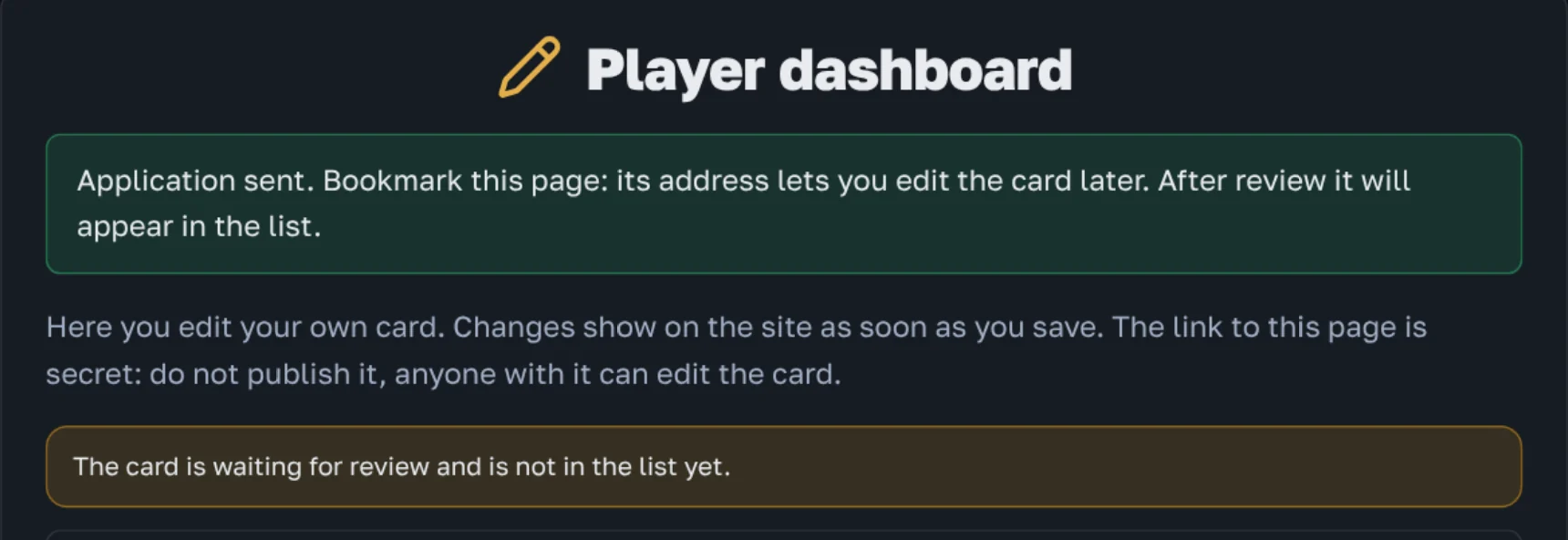
The dashboard link is secret, do not show it to anyone.
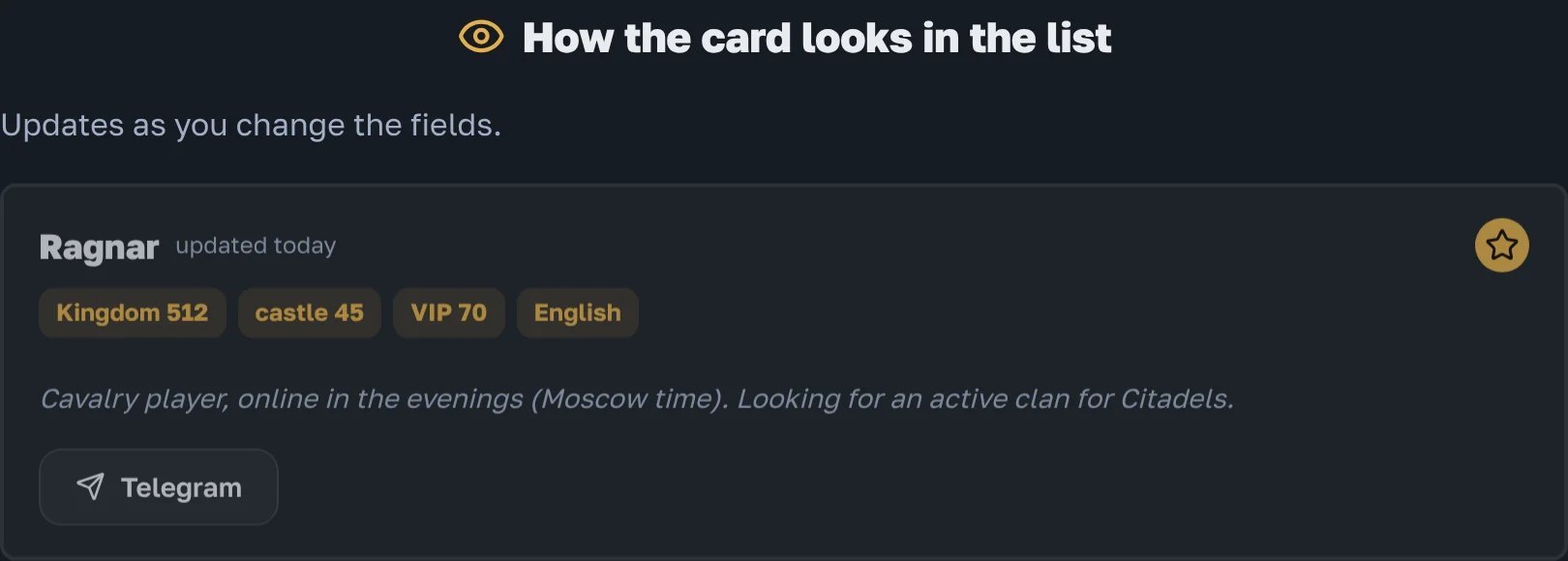
How the card looks
The live preview in the dashboard changes at once while you edit.
What you can add
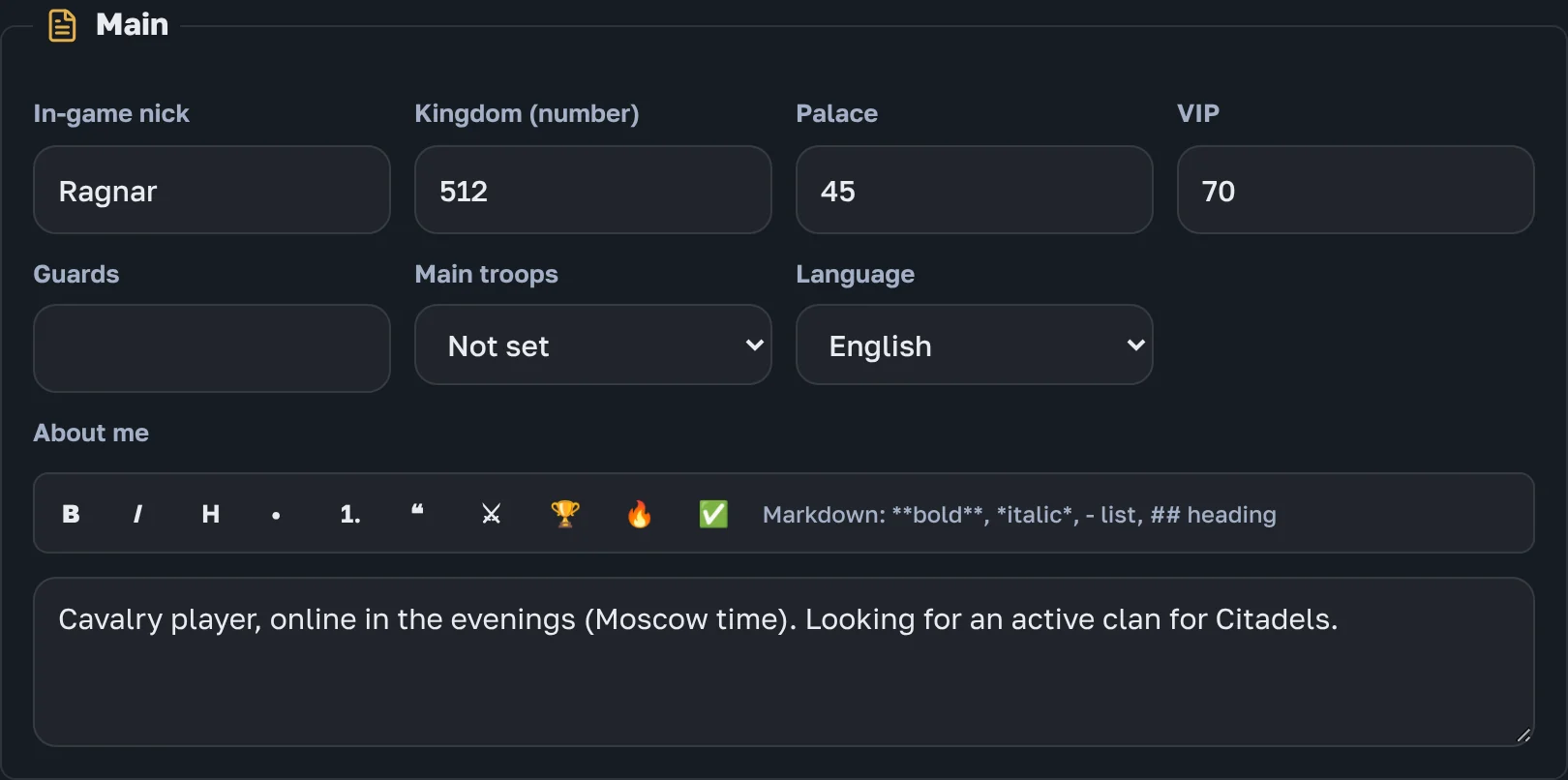
Main
Nickname, kingdom, Palace, VIP, guards, main troops, language and a text about you with formatting buttons.
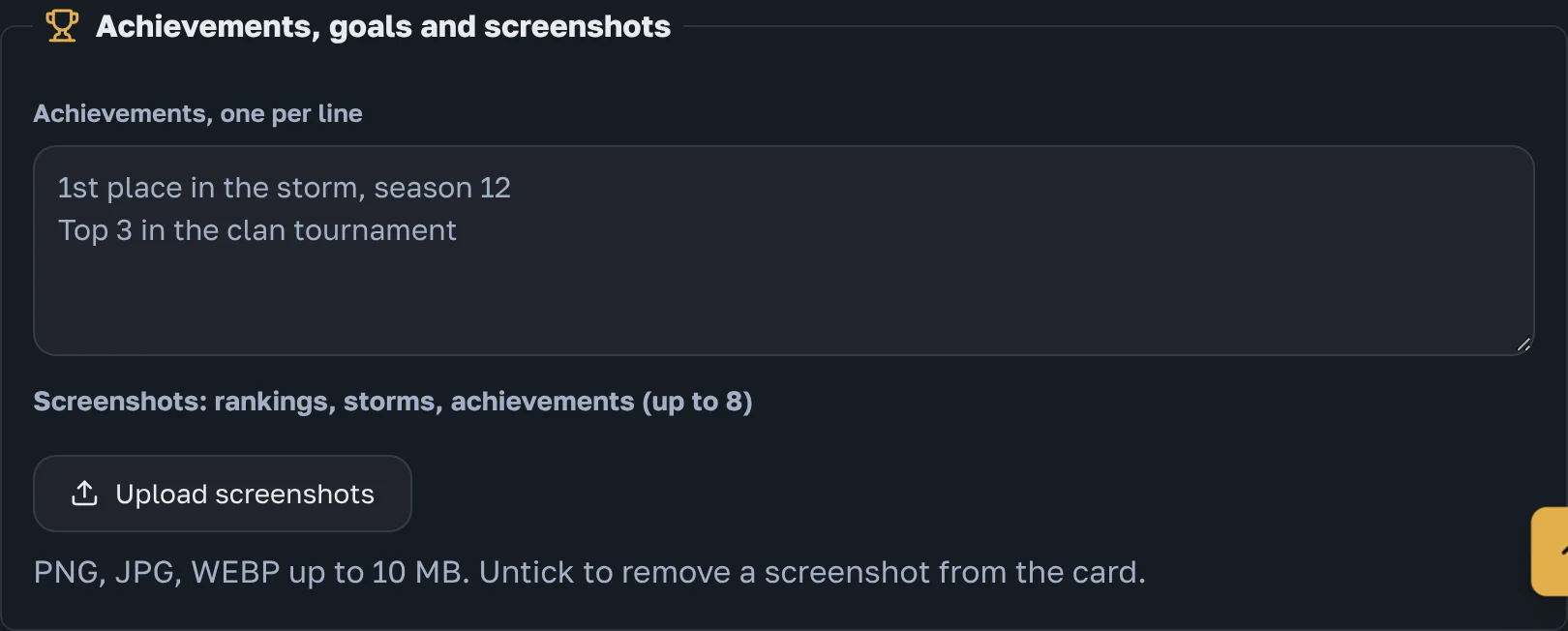
Achievements and screenshots
Achievements one per line and up to 8 screenshots: rankings, onslaughts, achievements.
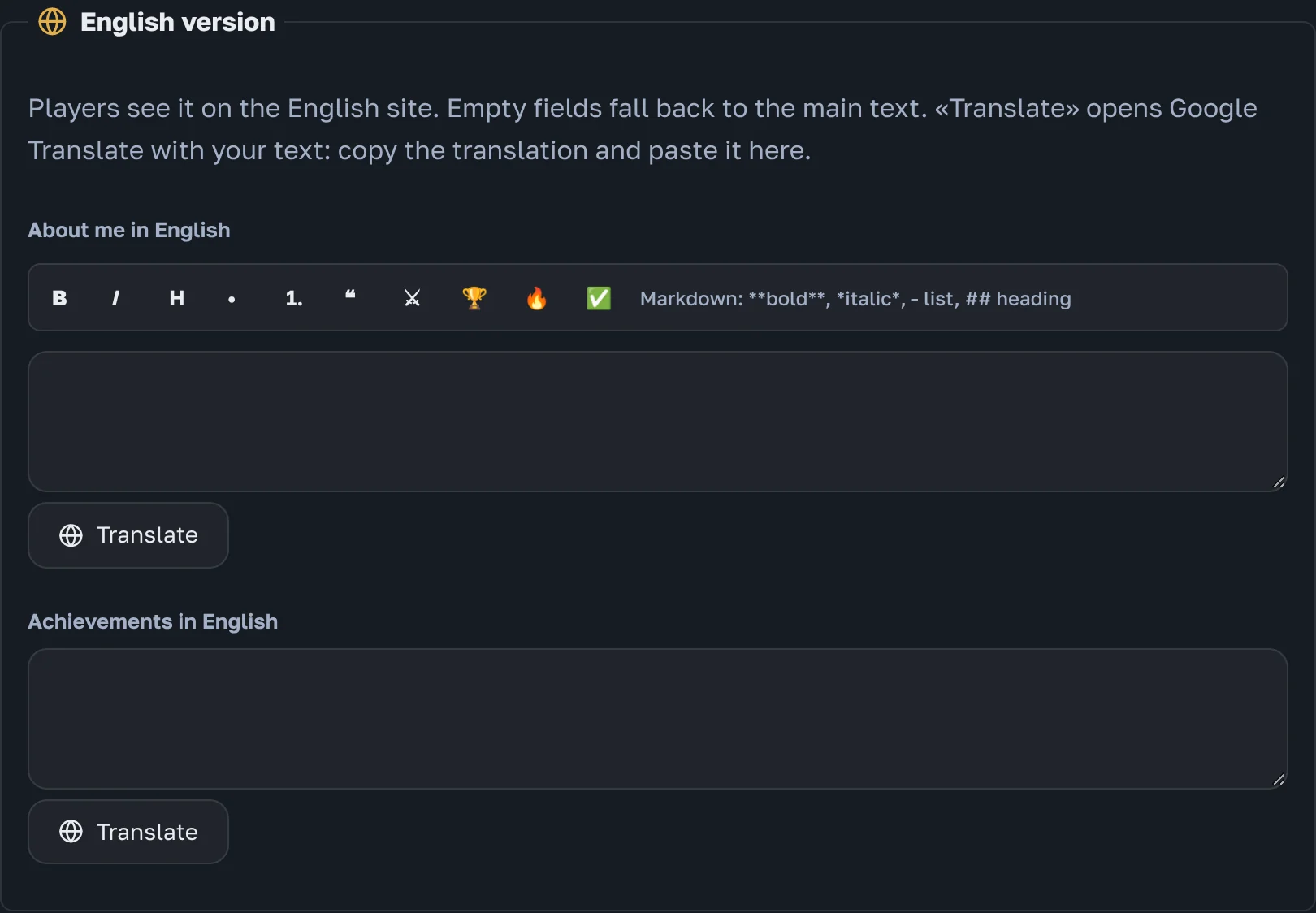
English version
«About me» and achievements can be written in English for the English site. «Translate» opens Google Translate with your text.
Contacts and design
Contacts work the same as for clans. The special design (colour, frame, badge, animation) is premium: you can try it on, but it only goes to the site with premium.
When the card appears
After the site owner checks it, usually within a day. To see a fully filled card, open the card example.